How to Use a Simple User Story Format Without Confusion
A simple way to write user stories that actually work
A user story format is a simple way to describe what a user needs. When the format is unclear, teams ask questions again and again. That creates confusion and rework.
A clear user story format solves this problem. It gives one shared way to write work so everyone understands it the first time.
This guide shows how to use a simple user story format, how to check if it is done, and how to avoid common mistakes using small examples.
How a simple user story format stops confusion and rework
A user story format is a short sentence that explains who needs something, what they need, and why they need it. It turns unclear ideas into clear work.
Without a clear format, one person writes something vague. Another person guesses what it means. The result is wrong work and rework.
A simple format fixes this. It forces the writer to be clear. It also helps the builder and tester understand the same thing.
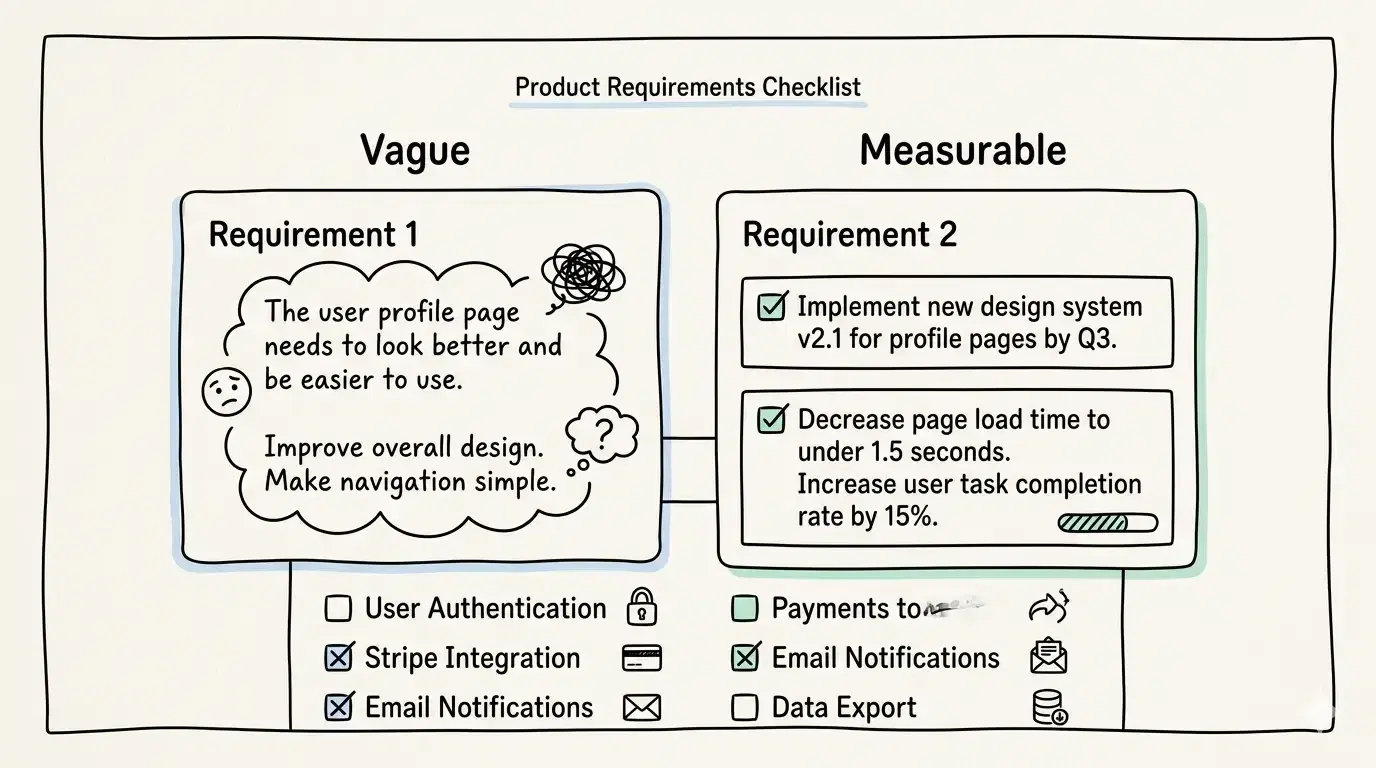
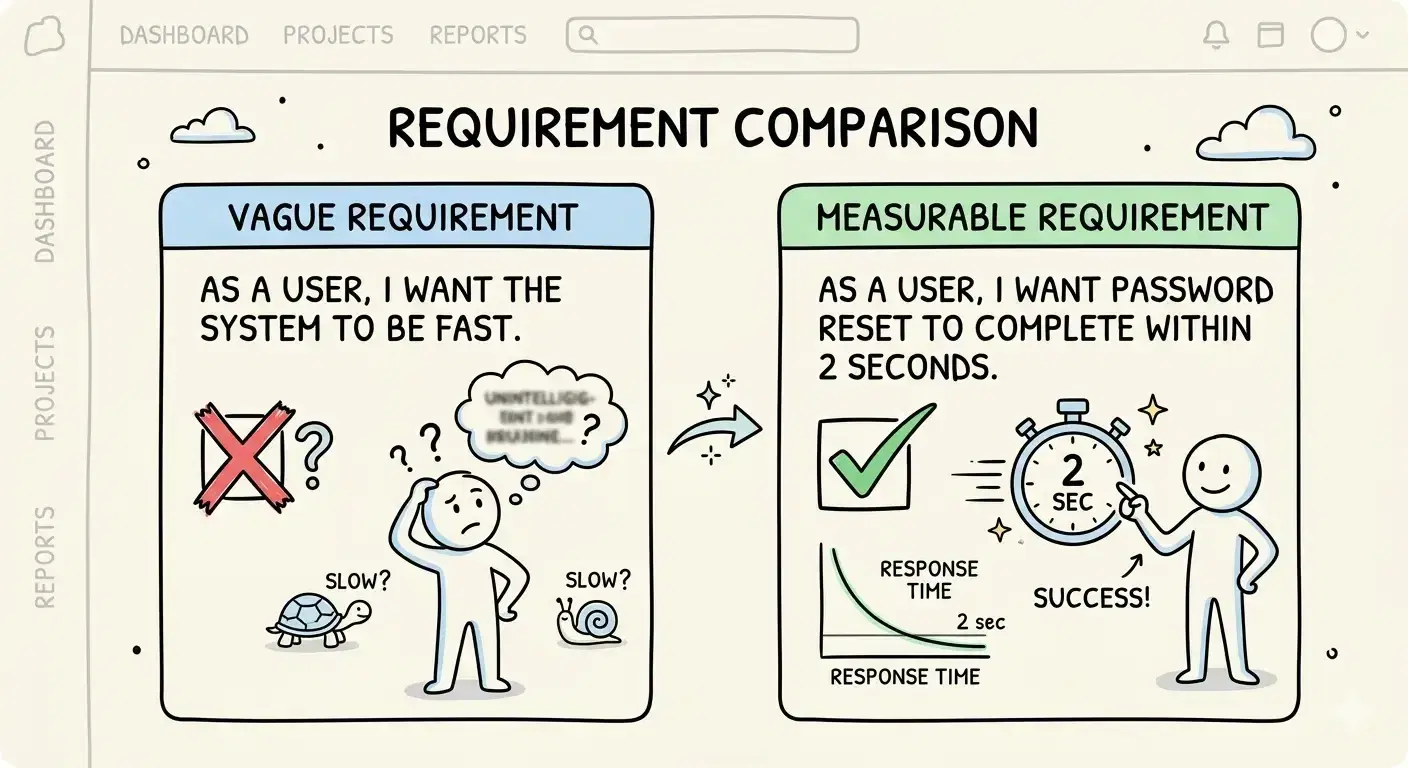
For example, instead of writing improve login, a clear story says a returning user wants to log in using email so that they can access their account.
The next step is to use one standard structure that the whole team follows.
What is the basic user story format teams should use
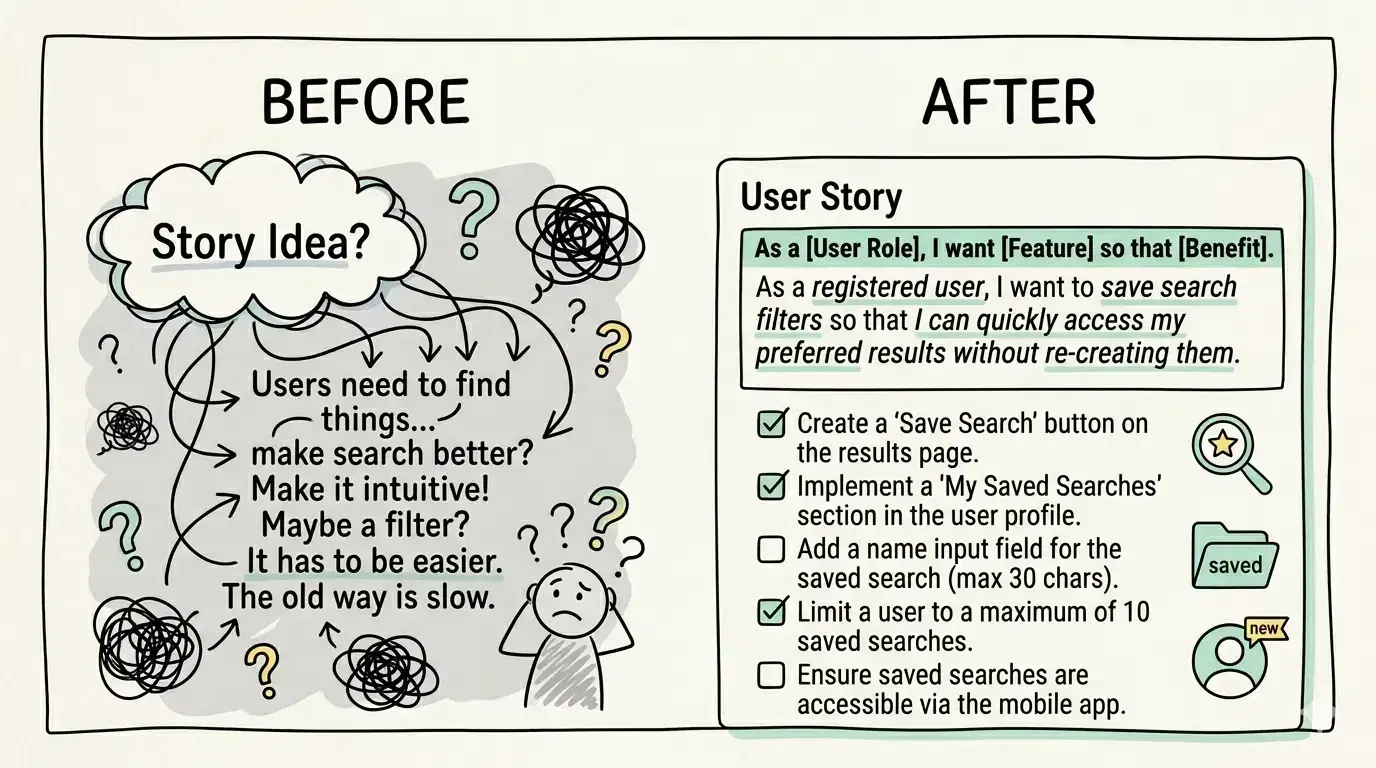
The basic user story format has three parts. It says who the user is, what they want, and why it matters.
This format is simple. It removes guessing and keeps the focus on real user needs.
A common example is a shopper wants to save items so that they can buy later. This shows the user, the action, and the reason.
This structure works because it answers the most important questions in one line. It keeps stories short and easy to understand.
A useful tip is to keep each story focused on one small action. Avoid mixing many actions into one story.
How to write a user story using a simple format
The format follows three parts. First, name the user. Second, describe what they want. Third, explain why they want it.
The user should be specific. For example, a new user or a returning user. This helps the team understand who the story is for.
The action should be clear and simple. For example, reset a password or add a product to a cart.
The reason explains the benefit. For example, so that the user can access their account again.
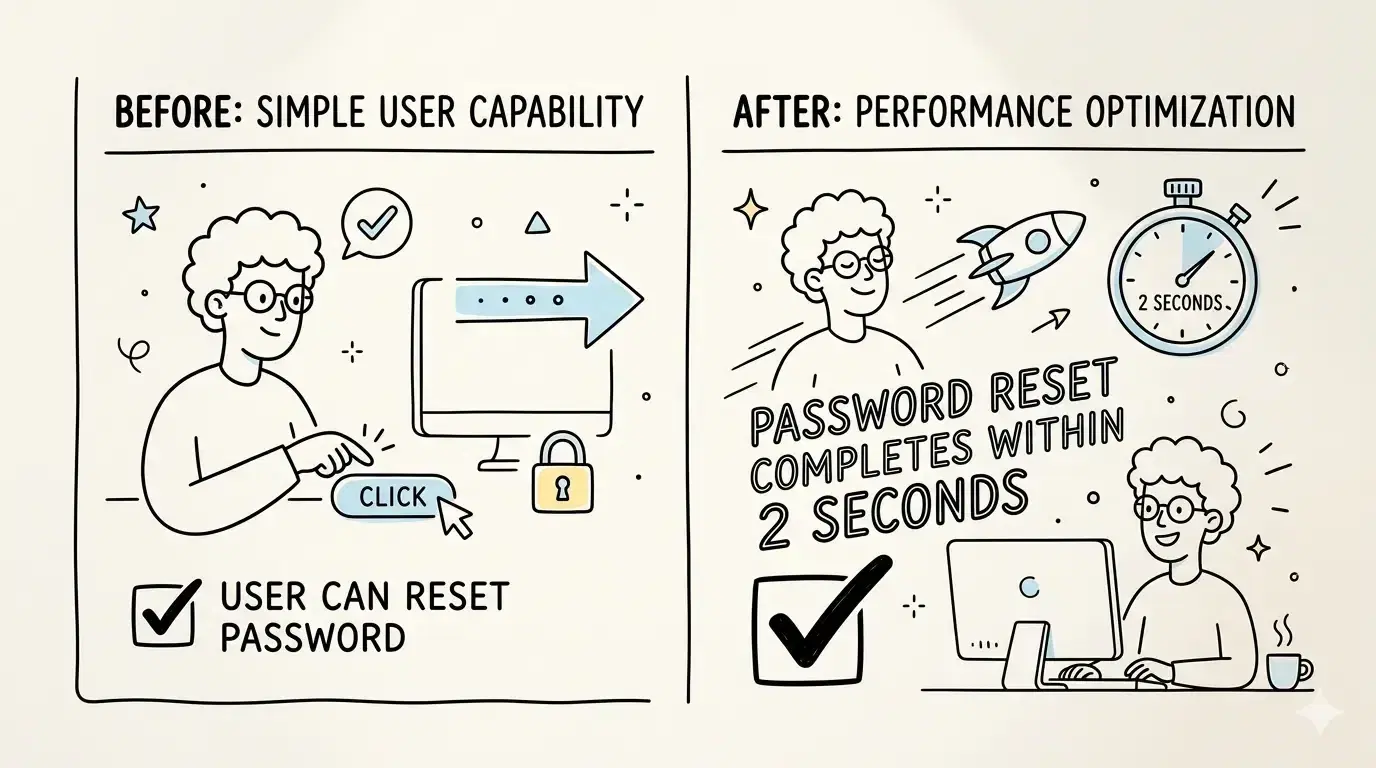
A full example is a user who forgot their password wants to reset it so that they can log in again.
A useful tip is to avoid vague words like improve or handle. These words do not show what needs to be built.
How to write clear acceptance criteria for a user story
Acceptance criteria are simple rules that check if the work is done. They act like a checklist.
Without these rules, people may think the work is complete when it is not. This causes confusion later.
Each rule should be clear and testable. This means someone can check it and say yes or no.
For example, for a password reset story, one rule could be the user receives a reset link by email. Another rule could be the link works only once.
These rules help the builder know what to build and help the tester know what to check.
A good tip is to write each rule as a simple condition that can be verified easily.
What does a good user story look like vs a bad one
A good user story is clear, small, and easy to understand. A bad user story is vague and confusing.
A good example is a user wants to download a report so that they can share it with their team.
A bad example is improve reporting. This does not explain what to build or why it matters.
A good story focuses on one action. A bad story mixes many ideas together.
A good story helps the team move forward without asking many questions. A bad story slows the team down.
A useful tip is to check if someone new can understand the story in one read.
| Good | User wants to download invoice so that records are saved | Clear action and purpose |
| Bad | Improve invoices | Too vague and unclear |
| Good | User wants to add items to cart so that checkout is faster | Focused and useful |
| Bad | Fix cart issues | No clear task or outcome |
How to break a big user story into smaller ones
A big user story is hard to build and test. It often leads to delays and confusion.
Breaking it into smaller stories makes the work easier to handle. Each small story should do one thing.
For example, instead of one big story for checkout, split it into add address, choose payment, and confirm order.
This helps the team finish work faster and find problems earlier.
A useful tip is to ask if the story can be completed in a short work cycle. If not, it is too big.
Smaller stories also make progress visible and easier to track.
Frequently Asked Questions
What are the 3 Cs in user stories and why do they matter
The 3 Cs stand for card, conversation, and confirmation. The card is the written story. The conversation is the discussion around it. The confirmation is the acceptance criteria.
These three parts work together to make sure the story is clear and complete.
What makes a good user story using simple rules
A good story is small, clear, and useful. It should focus on one user action and have a clear purpose.
It should also be easy to test using acceptance criteria.
How is a user story different from a detailed requirement
A user story is short and focused on user needs. A requirement is longer and includes many details.
User stories help teams move faster by keeping things simple at the start.
Do AI written user stories need human checks now
Yes, human checks are important. AI can create drafts, but people must review them for clarity and correctness.
This ensures the story matches real user needs and avoids mistakes.
Quick recap and next step
A simple user story format helps teams avoid confusion and rework. It gives one clear way to describe work.
Use three parts to write each story. Add acceptance criteria to check if it is done. Keep stories small and focused.
This approach makes work easier to understand, build, and test.
Use this user story format as a standard so every new story stays clear and consistent.
Keep this guide as a working reference
Save, bookmark, or share this article so the next similar task is easier to handle.