
Chrome bookmark manager extension
The bookmark manager Chrome users need for fast workflow link retrieval.
SortSites is a professional Chrome bookmark manager extension for project managers and web developers. Organize messy saved links into Collections and Categories, then retrieve important project resources faster from the extension popup and New Tab dashboard.
Free plan for your Google Chrome bookmark manager workflow • Pro is $3/month • 7-day money-back guarantee
03:23 pm
 Google Docs - PRD Template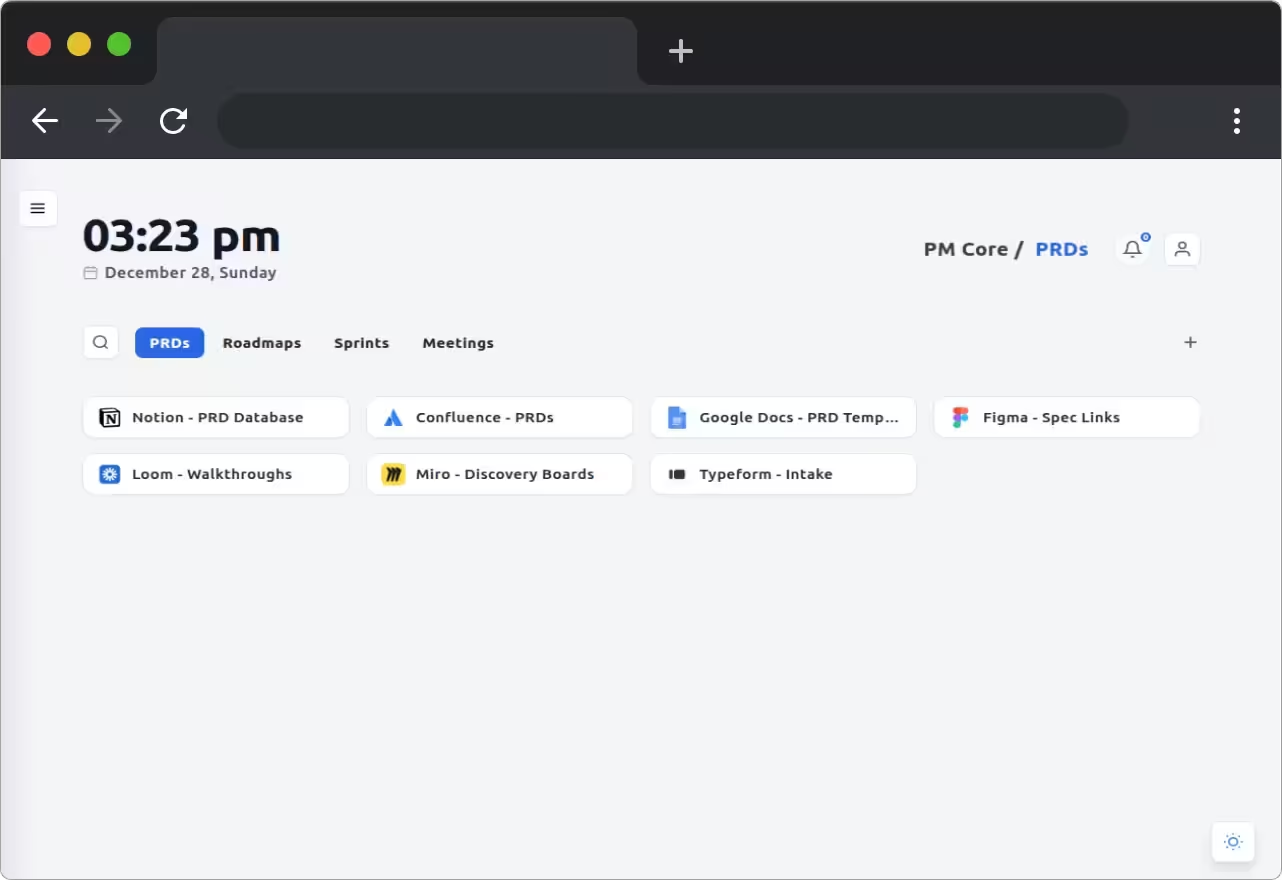
Stop losing workflow bookmarks in Chrome clutter
Messy saved links, scattered docs, and slow retrieval create workflow friction. SortSites gives you a practical bookmark manager Google Chrome users can keep organized every day, with important work links grouped by project, client, or task.
Built for busy Chrome workflows
Whether you manage projects, build websites, curate references, or learn continuously, this Google Chrome bookmark manager keeps saved links organized and ready to reuse.
Keep bookmarks structured by context so finding the next workflow link feels immediate instead of frustrating.
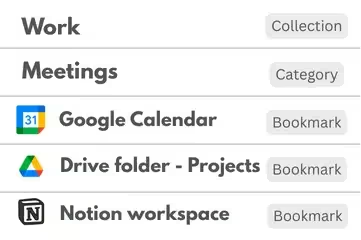
Organize project docs, tickets, specs, and research links with clarity and speed.
Designed for teams and individuals juggling multiple products, clients, and delivery workflows in Chrome.
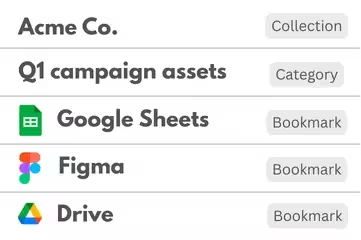
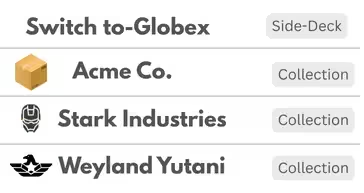
- Client-Specific CollectionsKeep each client’s work isolated and organized in its own collection so bookmark chaos does not slow delivery.
- Fast Context SwitchingMove between brands, projects, or presentations without tab overload or link hunting.
- Secure and Presentation-ReadyWhether you're reviewing live with a client or syncing in the background, your data stays tidy and protected.

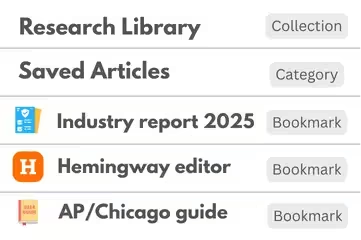
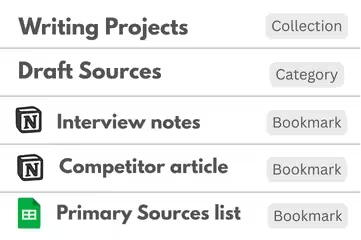
Capture, organize, and revisit creative inspiration withoutbreakingflow.
Designed for journalists, bloggers, researchers, and content creators who collect, organize, and revisit inspiration.
- Organized InspirationSave articles, images, and notes by topic, series, or tone — no more digging through tabs or downloads.
- Visual Reference BoardsView creative bookmarks with thumbnails so you can easily recall context and visual cues.
- Seamless Workflow JumpingSwitch between drafts, sources, and research without breaking your creative flow.

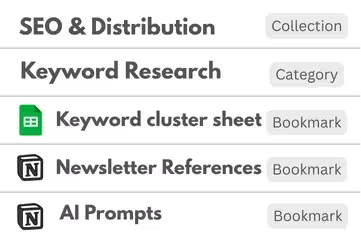
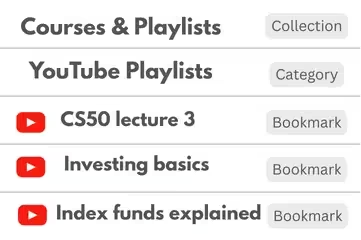
Turn saved content into a personalized learning system that sticks.
Designed for learners who want to retain and apply what they read — not just collect links they'll forget.
- Subject-Based SortingOrganize saved content into learning categories like UX, history, or finance for easy recall.
- Track What You’ve ExploredSee what you’ve already read or watched and avoid redundancy — your own personal syllabus.
- Always Within ReachWhether you're on mobile or desktop, your learning materials are one tap away.

Make sense of your internet clutter in a single, organized space.
Designed for anyone who wants a better way to save, organize, and access the internet — without chaos.
- Decluttered BookmarkingSay goodbye to messy folders and forgotten tabs. SortSites keeps your digital life neat and searchable.
- Fast, Friendly SearchFind what you saved in seconds with smart labels, filters, and full-text search.
- Sync Across DevicesAccess all your collections whether you're on your laptop, phone, or tablet.

Choose your bookmark manager Chrome plan
Start free, then upgrade when your Chrome bookmark manager workflow needs more room for Collections, Categories, and saved links.
Free
- Chrome extension with New Tab dashboard
- Extension popup UI
- Collections for categories and bookmarks
Upgrade prompts only at: creating the 6th Collection, creating the 6th Category inside a Collection, and adding the 51st Bookmark.
Pro
- Unlimited Collections
- Unlimited Categories
- Unlimited Bookmarks
- Chrome extension with New Tab dashboard
- Extension popup UI
- Collections for categories and bookmarks
Payments via Stripe. 7-day money-back guarantee.
Features
Free
5 Collections, 5 Categories per Collection, 50 Bookmarks total
Pro
Unlimited collections, categories & bookmarks.
Free
- Chrome extension with New Tab dashboard
- Extension popup UI
- Collections for categories and bookmarks
Upgrade prompts only at: creating the 6th Collection, creating the 6th Category inside a Collection, and adding the 51st Bookmark.
Features
Free
Free forever with clear hard limits.
Free plan upgrade prompts appear only at: creating the 6th Collection, creating the 6th Category inside a Collection, and adding the 51st Bookmark.
Chrome Bookmark Manager FAQs
How does SortSites work as a Chrome bookmark manager?
SortSites is built for working context - not just saving links. You organize Chrome bookmarks into client or project Collections, structured Categories, and ordered lists so you can reuse what you saved and find the right resources when you need them.
How much does SortSites cost?
SortSites has two plans: Free ($0) and Pro ($3/month). Pro includes unlimited collections, categories & bookmarks.
Do you offer a free plan or a trial?
Yes, there is a Free plan. We don’t run a separate trial because you can start on Free and upgrade only when needed. Pro includes a 7-day money-back guarantee.
What does the 7-day money-back guarantee cover?
If Pro isn’t a fit, request a refund within 7 days of purchase for a full refund. Payments are handled by Stripe.
What are the Free plan limits?
Free plan hard limits are: max 5 Collections total, max 5 Categories per Collection, and max 50 Bookmarks total accountwide.
Can I upgrade, downgrade, or cancel anytime?
Yes. You can upgrade to Pro anytime, and you can cancel whenever you want. Your plan remains active until the end of the billing period, and you won’t be charged again.
Which browsers are supported?
SortSites is built as a Google Chrome bookmark manager extension and currently supports Chromium-based browsers like Chrome, Brave, and Edge. Firefox support is planned.
Do I need an account to use SortSites?
Yes. SortSites uses your account to sync your Collections and bookmarks, protect your data, and enable access across devices.
Can I access my bookmarks on multiple devices?
Use the same signed-in account on each device and your saved structure stays in sync where SortSites is available.
Can I export or import my bookmarks?
Use your Account page and extension settings for data management options. Contact support if you need help with a specific export/import flow.
What permissions does the SortSites extension need?
SortSites requests only the permissions required to save and organize links from your browser, and to sync your data securely to your account. We avoid unnecessary permissions.
How is my saved content protected?
Your saved links and organization data are stored securely and tied to your account. We use standard security practices to protect access and prevent unauthorized use.
Are you GDPR compliant?
Yes. We follow GDPR principles around transparency, access, and deletion. You can request account/data deletion at any time.
How do Collections, Categories, and Bookmark ordering work?
Collections are your top-level workspaces (like Clients or Projects). Inside each Collection, you create Categories (like PRDs, Competitors, Designs, Docs). Within Categories, you can order bookmarks so the most important links stay on top.
What happens if I hit a Free plan limit?
Upgrade prompts appear only when you are creating the 6th Collection, creating the 6th Category inside a Collection, or adding the 51st Bookmark. Nothing is deleted. Content beyond Free limits is locked in view-only mode, and editing returns after upgrading again or reducing usage to Free limits.
Can I delete my account and data?
Yes. You can request deletion and we will remove your account and associated saved data as per our data policies.
How does support work?
Support is available via email at [email protected].
What features are coming next?
We’re actively building improvements like better collaboration, richer bookmark metadata, and broader browser support. The roadmap is driven by real user workflows and feedback.
“We do one thing with focus: help Chrome users organize saved links so finding the right workflow resource feels simple.”
Your data stays yours
Encrypted sync
Your bookmark data is encrypted with Google Firebase for security
No tracking
We don't track your browsing or show third-party advertisements
Export anytime
Export or back up your bookmark data when you need a copy
Ready for a cleaner Google Chrome bookmark manager workflow?
Sign up and organize project bookmarks so every saved link is easier to find when work moves quickly.